How to Check Traffic and Leads After Google’s November 2026 Core Update
· BlueHat Marketing
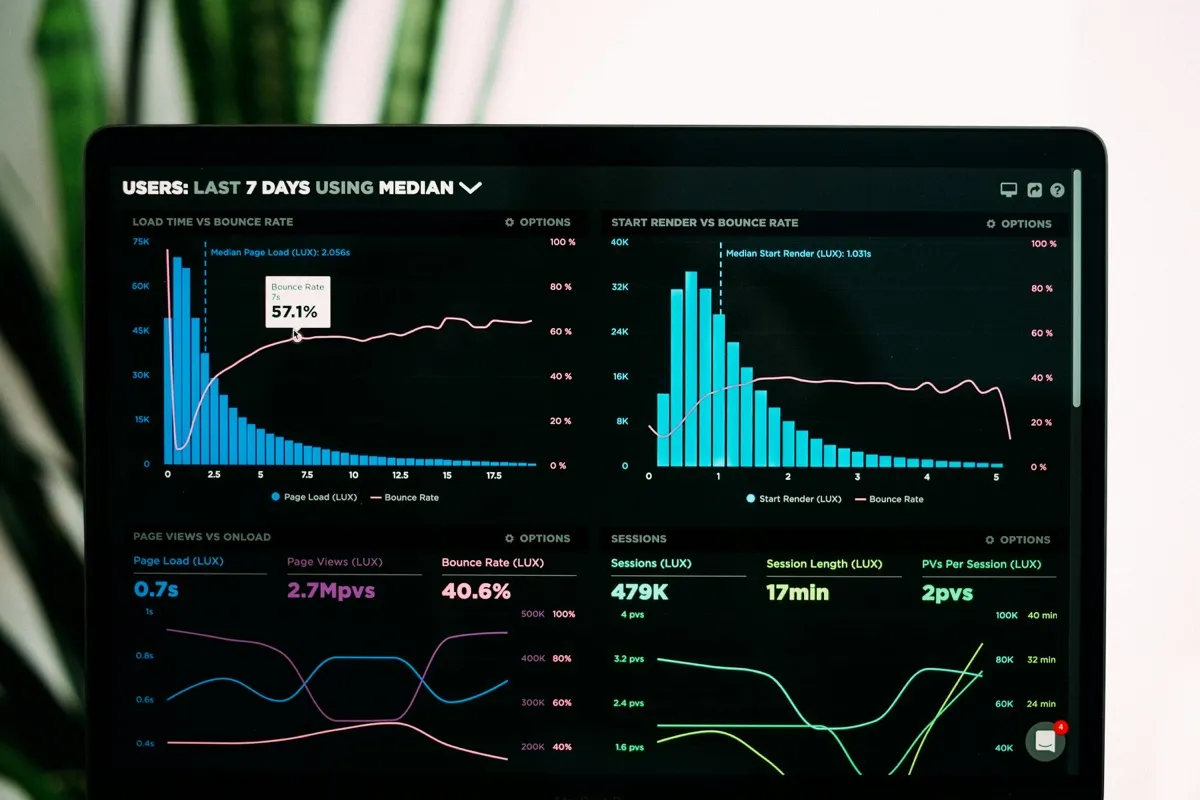
If your Google traffic changed this month, start with the pages that bring you business. A drop on a blog post and a drop on the page that brings in most of your quote requests deserve very different responses.
Google’s November 2026 core update rolled out globally from November 10 to 24. On November 24, Google also announced a December 2026 core update and said only that it is scheduled for December. As of November 25, it hasn’t started. Google says the December update improves how its systems understand and rank relevant content, including for longer and more complex questions, and improves personalized results for people who have personalization turned on. November rollout · December announcement
BlueHat Marketing has helped businesses through Google’s ranking updates since 2005. Here’s what our SEO team checks before changing anything.
Compare the pages that bring in leads or sales
Save your baseline now, before the numbers move again. Google recommends waiting at least one full week after a core update finishes before evaluating the results in Search Console. Once Dec. 1 is no longer preliminary in Search Console, compare Nov. 3 to 9 with Nov. 25 to Dec. 1 (Pacific time). If the December rollout starts inside that second week, note it in your report, because those numbers would then mix two updates.
We saw why on our own site. Our average position in Google swung between 28 and 38 over a few days while the update rolled out, so we’re waiting for the full week before reading anything into it.
Start with your main service pages, or with your top product pages if you sell online. In the Search Console Performance report, keep the search type on Web (text) and compare clicks and impressions query by query. Keep the country and device filters the same for both weeks. Use average position as context. Separate searches for your brand from searches for a service or product. Then filter your analytics to Google organic visits that started on each page. Did the leads or sales from those visits change? Include calls where your tracking identifies their source.
The Nov. 25 to Dec. 1 window includes Black Friday and Cyber Monday. If those dates affect your business, compare Google Search clicks with Nov. 26 to Dec. 2, 2025, the equivalent holiday week. Use clicks for that comparison. Google says a logging error kept Search Console from reporting impressions accurately from May 13, 2025 to April 27, 2026, which also affects click-through rate and average position for those dates. Clicks weren’t affected. Promotions and changes to opening hours can also move calls and orders, so record them next to the numbers. Neither comparison on its own proves the update caused a change.
Diagnose the loss before rewriting the page
Across BlueHat’s clients, 129 non-brand keywords sat in Google’s top 10 before the update and were checked again during and after it. During the rollout, 73 of them never slipped more than two places. Seventeen dropped five places or more, and by November 25, seven of those were back within two places of where they started. Ten were still lower. Below are nine of them, picked to show each pattern, described by search, with client names left out.
| Search | Before the update | Lowest during the rollout | Latest | What we’re watching |
|---|---|---|---|---|
| eLearning software, U.S.-wide | #3 | #9 | #1 | Above its starting point. We’ll watch it through the December update. |
| Family law, city in Québec | #2 | #8 | #4 | Two places short of its start. Two more checks before any change. |
| Freight trucking, Ontario-wide | #4 | #9 | #2 | Back above its start. No changes planned. |
| Fire alarm system guide, Canada-wide | #1 | #10 | #2 | Recovered. We’ll confirm the guide holds near the top. |
| Merchandising services, Canada-wide | #10 | #17 | #3 | Seven places above its start. |
| Bin rental, city in Ontario | #3 | #12 | #14 | Still down. We’re comparing it with the pages that moved ahead. |
| Retail analytics, Canada-wide | #5 | #12 | #11 | Still down. We’re waiting for the full week of data. |
| Video production, major Canadian city | #7 | #9 | #4 | Three places above its start. |
| Steel distribution, city in Ontario | #4 | #4 | #4 | Unmoved through the whole rollout. |
When a core service page loses several positions on the searches that usually bring in work, study the pages that moved ahead of it. Note the question each one answers and the proof it offers, such as pricing or client reviews, and compare that with your own page.
Steady rankings with falling clicks point to the results page itself, so that is where the review should start. Look at what now appears above the organic listings, such as an AI Overview or additional ads, and compare search demand for the same weeks.
Inquiries can drop while traffic holds. In that case, test the lead path before touching the copy. A test call and a test form submission should both appear in the conversion tracking reports. A broken form or a page set to noindex by mistake needs fixing immediately. Google’s advice to wait applies to judging the update. Known problems should be fixed as soon as you find them.
Answer the questions customers still have
Choose one high-value page and identify what a customer still needs to know before contacting you or buying.
An HVAC company might state what an emergency call-out costs after hours and how far its crews will travel that night. For an auto parts retailer, a fitment chart for each model with a confirmed ship date does the same job. Publish only what you can substantiate. Answers of this kind serve customers even if rankings never move.
Pages that still bring in steady work should stay as they are. Change the pages your data points to, one at a time, and log the date and nature of each change. That record will make the December update far easier to evaluate.
Check Google’s AI visibility settings too
Since the end of August, every site in Search Console has a setting called Search generative AI, under Settings. It determines if your pages and links can appear in AI Overviews and AI Mode. Google says the setting doesn’t affect model training, and it isn’t used to rank or include your pages anywhere else in Search.
Google-Extended is a separate control, set in your robots.txt file. It limits how Google uses your content to train its AI models, and how some AI products outside Search, such as the Gemini app, draw on it for their answers. Blocking it on its own won’t remove your pages from AI Overviews or AI Mode.
To appear in those answers, open the setting and confirm which value your own property actually uses. It can be inherited from a parent property, so a choice made on that parent may be the one in effect. Your page also has to be indexed and eligible to show in Google Search with a snippet. Even then, Google doesn’t guarantee a link. BlueHat’s guide to AI visibility covers the topic in more depth. Google’s guide to the controls · Search Console settings and inheritance
Your first priority this week is to confirm that every lead is recorded. Then choose one page you would improve even if Google had announced nothing.
Like what you read? Add BlueHat Marketing as a preferred source and Google can show you more of our articles in Top Stories.